It blocks
Adult sites, searches, images and tricks to get around the filter — stopped before they load.
Safora is a free web browser that blocks pornography before it reaches your screen — and stands by you when temptation hits.
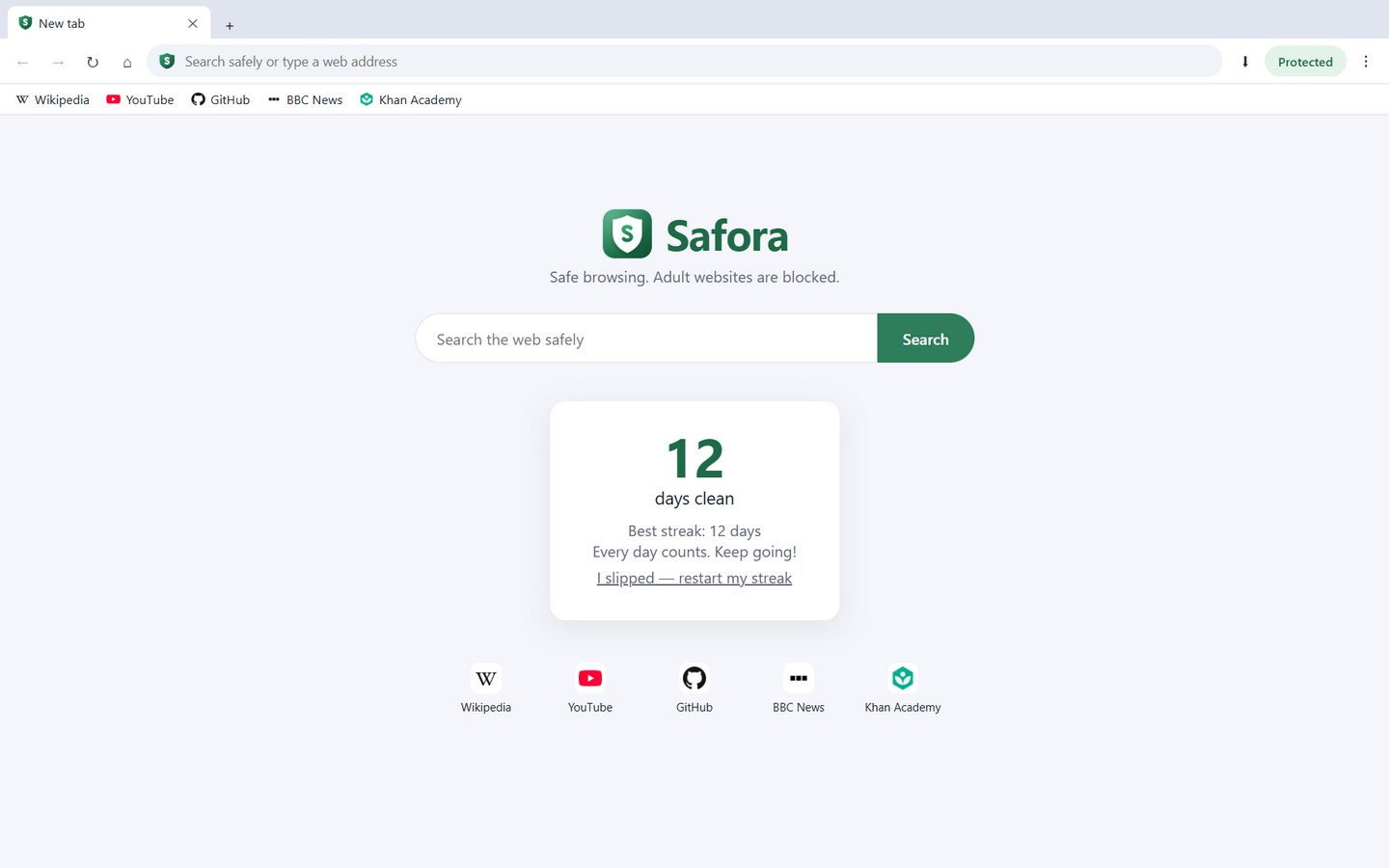
Porn is one click away in every normal browser — in search results, on social media, in ads. Safora removes that click, so you can use the internet for what matters: learning, working and connecting.
Adult sites, searches, images and tricks to get around the filter — stopped before they load.
Clean-day streaks, words of strength, a breathing exercise and an accountability partner.
No account, no tracking, no uploads. Your history and settings never leave your computer.
A constantly updated list of adult websites, refreshed automatically every week.
Explicit pictures are blurred even on normal websites. The AI runs on your PC — nothing is uploaded.
Google, Bing and DuckDuckGo always filter results. YouTube stays in Restricted Mode. Adult searches are blocked.
VPNs, proxies, "unblock" sites, translate and archive tricks are blocked too. Family-safe DNS catches the rest.
Adult subreddits, hashtags and profiles are blocked on Reddit, X, Instagram, TikTok and more.
Give the password to someone you trust. Settings, closing the browser and uninstalling all need it.
Watch your clean days grow on every new tab. Slipped? Restart without shame and keep going.
A trusted person gets a weekly report and an alert if protection settings are changed.
Late nights are the hardest. Block all websites during the hours you choose.
If something slips past one layer, the next one catches it. All of this happens automatically, in milliseconds.
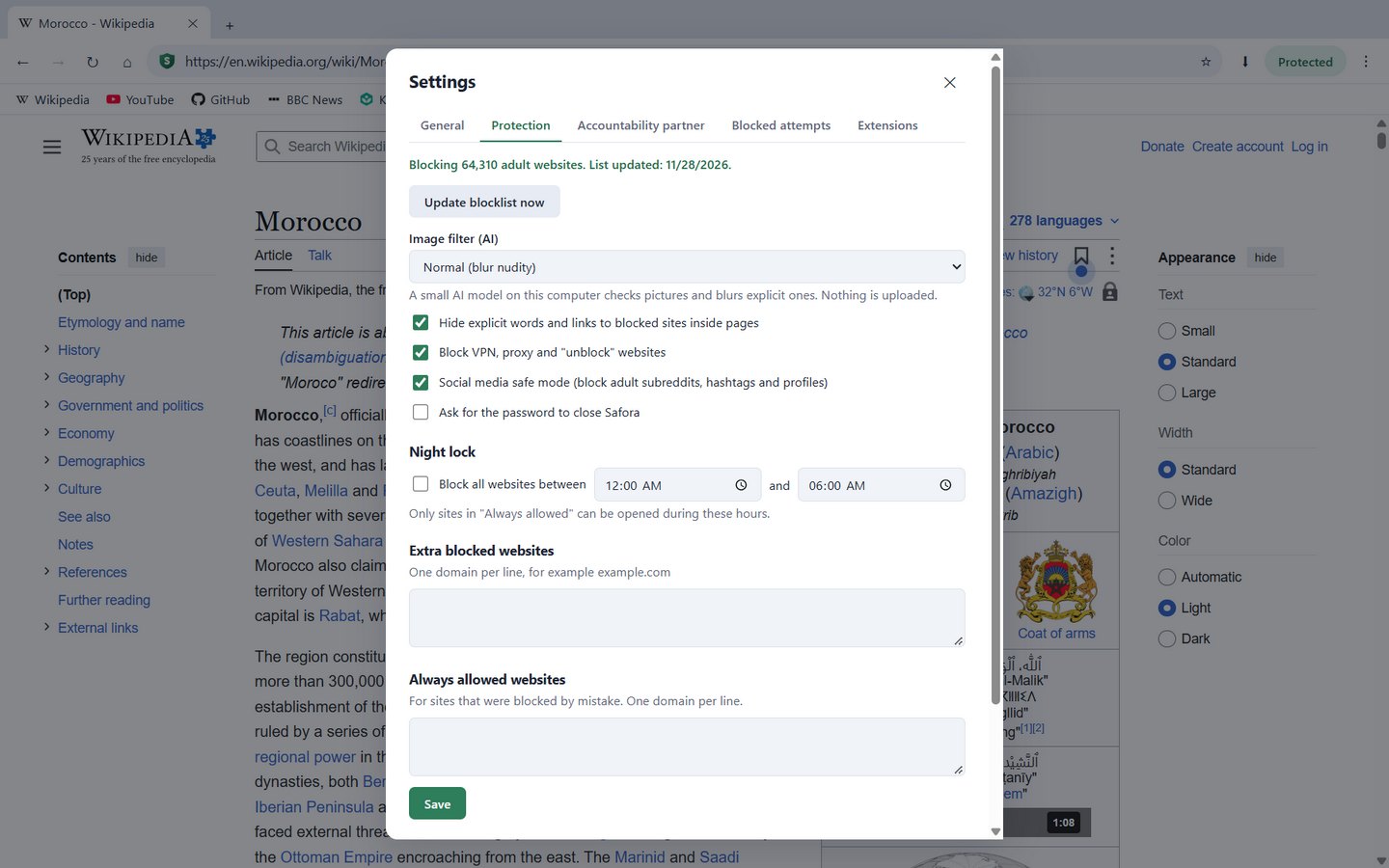
Adult domains don't even resolve, thanks to Cloudflare for Families.
60,000+ known adult sites and every .xxx, .porn and .sex address.
Adult searches, keywords, social media paths and bypass tricks are recognised and stopped.
Every picture is checked on your computer, and explicit ones stay blurred.
Nobody can turn the protection down in a weak moment — not even you.
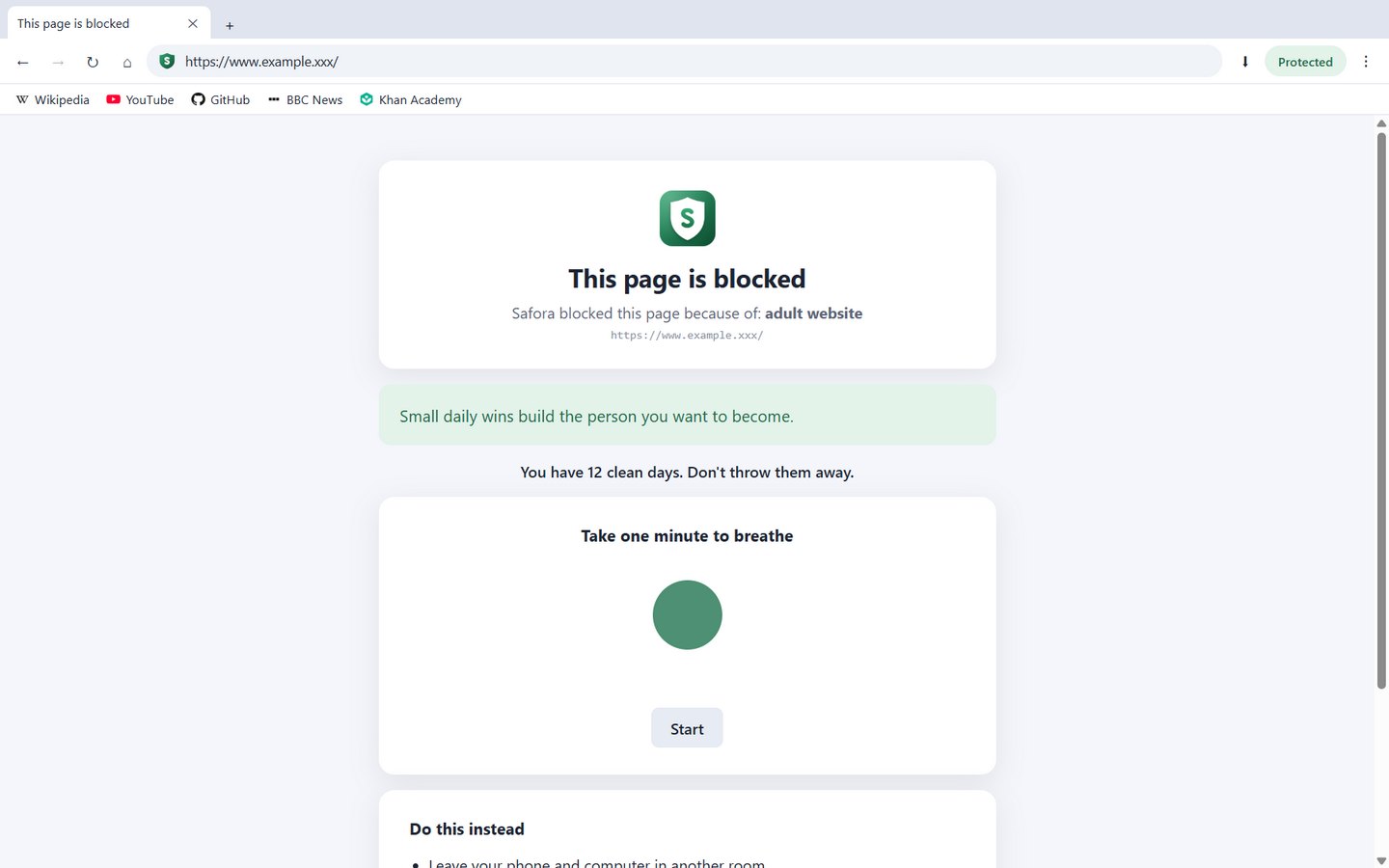
A blocked page is a moment of choice. Instead of a cold error, Safora gives you something to hold on to.
Tabs, bookmarks, history, downloads, Google search, a built-in ad blocker, approved extensions, dark mode — everything you expect, in English, Arabic or French.
Ready to quit? Install Safora, ask a friend to set the password, and let the browser carry some of the weight.
Give your children a browser that is safe by default — with a password only you know and weekly reports to your inbox.
Imams, pastors, counselors and support groups can recommend a free tool that works in their community's language.
Yes. Safora is completely free, with no ads, no subscription and no account.
No. Your history, settings and blocked attempts stay on your computer. Even the AI image filter runs locally. The only emails sent are the partner reports you turn on yourself.
No filter is perfect, but Safora makes it hard: VPN and proxy sites are blocked, settings are password-protected, and uninstalling needs the password. For complete protection, our built-in guide shows how to block other browsers with Microsoft Family Safety.
The person who holds the password can add it to the "Always allowed" list in seconds.
Safora is for Windows 10 and 11 for now. The built-in guide explains how to protect phones and your whole Wi-Fi network with family-safe DNS.
Yes. Import bookmarks from Chrome or Edge in one click, and install approved extensions like password managers, Dark Reader and translators. VPN and proxy extensions are never allowed.
New apps from independent developers may show "Windows protected your PC". Click "More info", then "Run anyway".

Download Safora for free and take back control of your time, your mind and your relationships.